
LED Bulb Buzzing: Causes, Safety Checks and How to Fix It
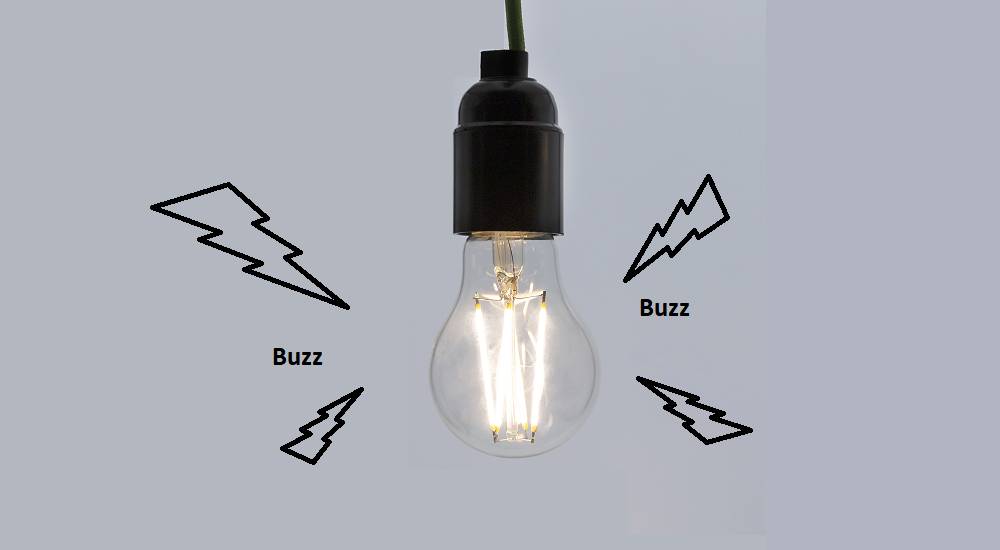
Why Is My LED Bulb Buzzing?
LED bulbs are usually quiet, so a buzzing or humming sound can be annoying—and may indicate that something in the lighting set-up needs attention. The cause is often a mismatch between the bulb and its dimmer, but a faulty bulb or electrical connection can also be responsible.
Common causes of a buzzing LED bulb
An incompatible dimmer switch
Many older dimmer switches were designed for incandescent or halogen bulbs. LEDs use much less power and have electronic drivers, so an older dimmer may not control them properly. This can make the bulb flicker, buzz or glow faintly when switched off.
Even if a dimmer is described as suitable for LEDs, it may not work well with every bulb. Check the bulb packaging and the dimmer manufacturer’s compatibility guidance. Some LED dimmers also have a minimum load, which a single low-wattage bulb may not meet.
A faulty or poor-quality bulb
The electronic driver inside an LED bulb regulates the electricity supplied to its light-emitting components. If the driver is poorly made, damaged or beginning to fail, it may vibrate and produce a buzzing sound. If the noise follows the bulb when it is fitted in a different suitable light fitting, the bulb is a likely cause.
A loose connection or fitting
A bulb that is not seated correctly, or a loose component in the light fitting, may vibrate or make a sound. A persistent buzz from the fitting, switch or ceiling is more concerning than a faint sound from the bulb itself. Loose electrical connections can be hazardous and should be checked by a qualified electrician.
Electrical interference or a control issue
Some lighting controls, smart switches, transformers and low-voltage fittings are not compatible with all LED bulbs. The result can be buzzing, flickering or inconsistent brightness. Check that the bulb is suitable for the fitting and any transformer or control device specified by its manufacturer.
How to troubleshoot a buzzing LED bulb
- Turn the light off. Let the bulb cool before touching it.
- Check the bulb is fitted correctly. With the power off, make sure it is secure, but do not force it.
- Try a different bulb. Use a reputable LED bulb with the correct cap, voltage and suitability for the fitting. If the buzz stops, replace the original bulb.
- Check the dimmer. Confirm that it is designed for LED lighting and that the bulb is compatible with it. If the buzzing happens only when dimmed, compatibility is especially likely to be the issue.
- Notice where the sound comes from. A buzz coming from the switch, fitting or wiring—not just the bulb—needs professional attention.
Do not remove a switch plate, open a light fitting or work on wiring unless you are qualified to do so. If you are unsure, switch off the circuit at the consumer unit and contact a qualified electrician.
When to stop using the light
Stop using the light and seek professional advice if the buzzing is loud or getting worse, or if you notice flickering, a burning smell, unusual heat, scorch marks, sparking or a tripping circuit. Do not continue testing a bulb or fitting that shows these warning signs.
Can a buzzing LED bulb be dangerous?
A quiet buzz from an LED bulb is often caused by an incompatible dimmer or a defective bulb, and does not necessarily mean there is an immediate danger. However, noise from the wiring, switch or fitting can indicate a fault. Because sound alone cannot confirm the cause, take warning signs seriously and arrange an inspection if the source is unclear.
How to prevent LED bulbs from buzzing
- Choose bulbs marked as dimmable only if you have a compatible LED dimmer.
- Check compatibility information for both the bulb and dimmer before buying.
- Use bulbs with the correct voltage and type for the fitting, particularly in low-voltage systems.
- Buy from a reputable supplier and replace bulbs that repeatedly buzz or flicker.
- Ask a qualified electrician to investigate recurring noise from switches, fittings or wiring.
In many cases, a buzzing LED bulb can be resolved by replacing a faulty bulb or pairing the light with a suitable LED dimmer. If the noise appears to come from the electrical installation, leave the investigation to a qualified electrician.
9 Essential Tips to Stop LED Bulb Buzzing
- Switch off the power before checking the bulb.
- Make sure the bulb is fitted securely.
- Use a bulb compatible with your dimmer switch.
- Try a different dimmable LED bulb.
- Check that the bulb’s wattage suits the fitting.
- Replace any bulb that is damaged or flickering.
- Buzzing may come from an incompatible dimmer.
- Check the fitting for loose parts or wiring.
- Call a qualified electrician if the buzzing continues.
Switch off the power before checking the bulb.
Before checking a buzzing LED bulb, switch off the light and isolate the power at the consumer unit if you can do so safely. Wait for the bulb to cool before touching it, as it may be hot after use. Never handle or remove a bulb while the power is on.
Make sure the bulb is fitted securely.
Make sure the bulb is fitted securely in its holder, as a loose connection can sometimes cause buzzing or flickering. Switch off the light and allow the bulb to cool before checking it, then gently tighten it without forcing it. If the buzzing continues, or seems to come from the fitting rather than the bulb, stop using the light and contact a qualified electrician.
Use a bulb compatible with your dimmer switch.
Choose an LED bulb that is compatible with your dimmer switch to help prevent buzzing, flickering and uneven brightness. Check the bulb packaging and the dimmer manufacturer’s guidance, as not every dimmable LED works with every dimmer. If the noise continues, the dimmer may need replacing with an LED-compatible model.
Try a different dimmable LED bulb.
Try a different dimmable LED bulb to see whether the buzzing stops. Choose a reputable bulb that is compatible with your dimmer switch, as not all dimmable LEDs work with every dimmer. Switch off the light and let the bulb cool before replacing it. If the new bulb also buzzes, the dimmer or fitting may be the cause.
Check that the bulb’s wattage suits the fitting.
Check that the bulb’s wattage is suitable for the fitting and stays within its maximum rating. Although LED bulbs use less electricity than traditional bulbs, always follow the fitting manufacturer’s guidance. A bulb with the wrong specification may not work properly and could contribute to buzzing; if the noise continues, check compatibility with the dimmer or ask a qualified electrician for advice.
Replace any bulb that is damaged or flickering.
Replace any LED bulb that is damaged or flickering, as these may be signs of a faulty bulb that is causing the buzzing. Switch off the light and let the bulb cool before handling it, then fit a suitable replacement. If the new bulb still buzzes or flickers, the cause may be the dimmer, fitting or wiring, so contact a qualified electrician.
Buzzing may come from an incompatible dimmer.
A buzzing LED bulb may be connected to a dimmer switch that isn’t designed for LED lighting. Older dimmers, in particular, can be incompatible with the bulb’s low power use and electronic driver, causing buzzing, flickering or uneven brightness. Check the bulb and dimmer manufacturers’ compatibility guidance, and ask a qualified electrician to advise if you’re unsure.
Check the fitting for loose parts or wiring.
Switch off the light at the wall and let the bulb cool before checking that it is fitted securely and that any accessible parts of the fitting are not loose. Do not remove covers or touch wiring; loose electrical connections can be hazardous. If the buzzing seems to come from the fitting, switch or ceiling, stop using the light and ask a qualified electrician to inspect it.
Call a qualified electrician if the buzzing continues.
If the buzzing continues after you’ve checked the bulb and dimmer, contact a qualified electrician. Ongoing noise may point to a problem with the fitting, switch or wiring, which should be inspected safely by a professional. If you notice a burning smell, excessive heat, sparking or scorch marks, stop using the light and seek help promptly.
Tags: bulb voltage compatibility, buzzing led bulb, dimmable led bulbs, electrical interference, electrical safety, faulty led bulb, flickering led, incompatible dimmer switch, led bulb buzzing, led bulb humming, led bulb troubleshooting, led dimmer compatibility, light fitting, loose electrical connection, poor-quality bulb, preventing led buzzing, qualified electrician, smart switches, warning signs